
Add App Features With AI Prompts
Open your app project in Lovable or another AI app builder. Choose a feature below, click Copy prompt, and paste it into the builder's AI chat. Add any details you want, then send. Follow the setup steps and test the feature.
Each screenshot shows an example app with sample data. Open it at full size to see the details.
Choose a feature
19 prompts
Login & accounts
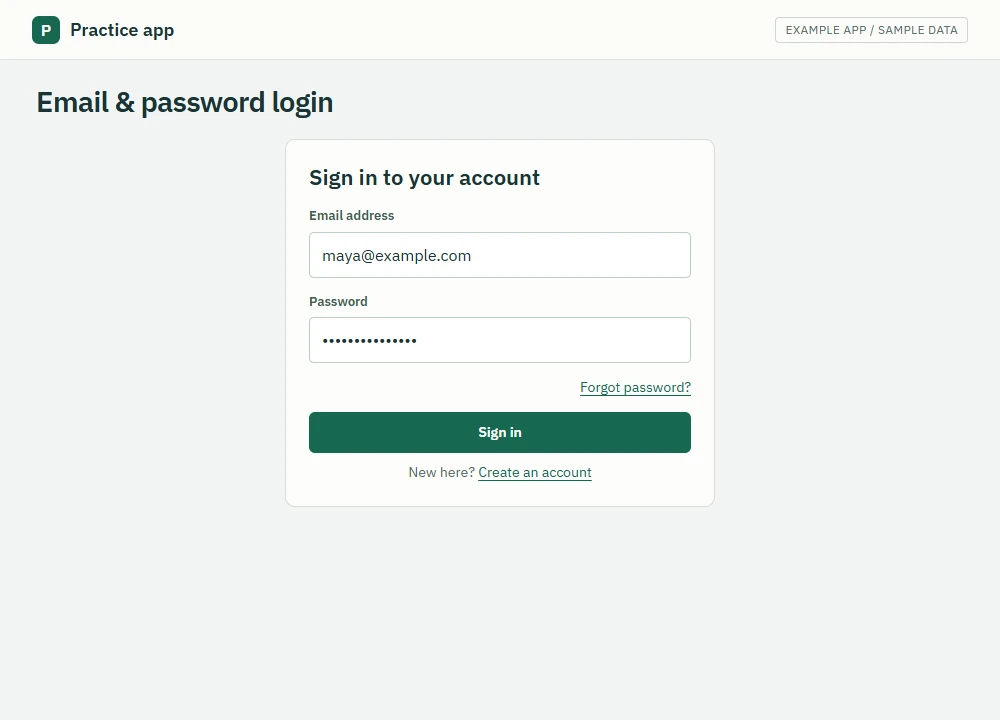
Email & password login
Let people create an account and sign in.
 View full size
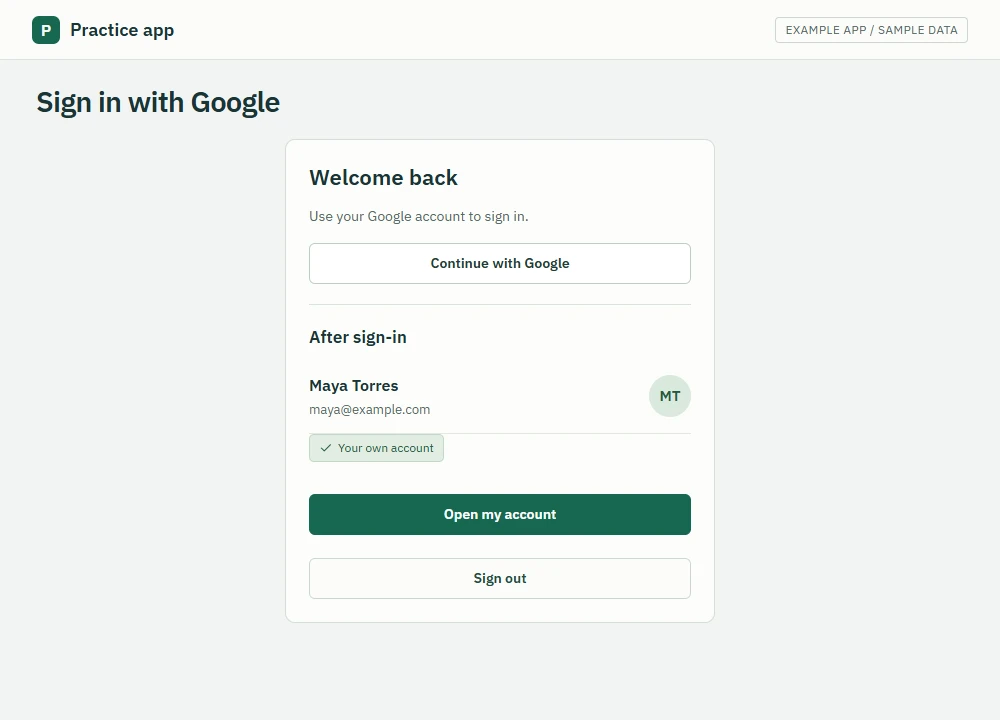
Sign in with Google
Let people use their Google account to sign in.
 View full size
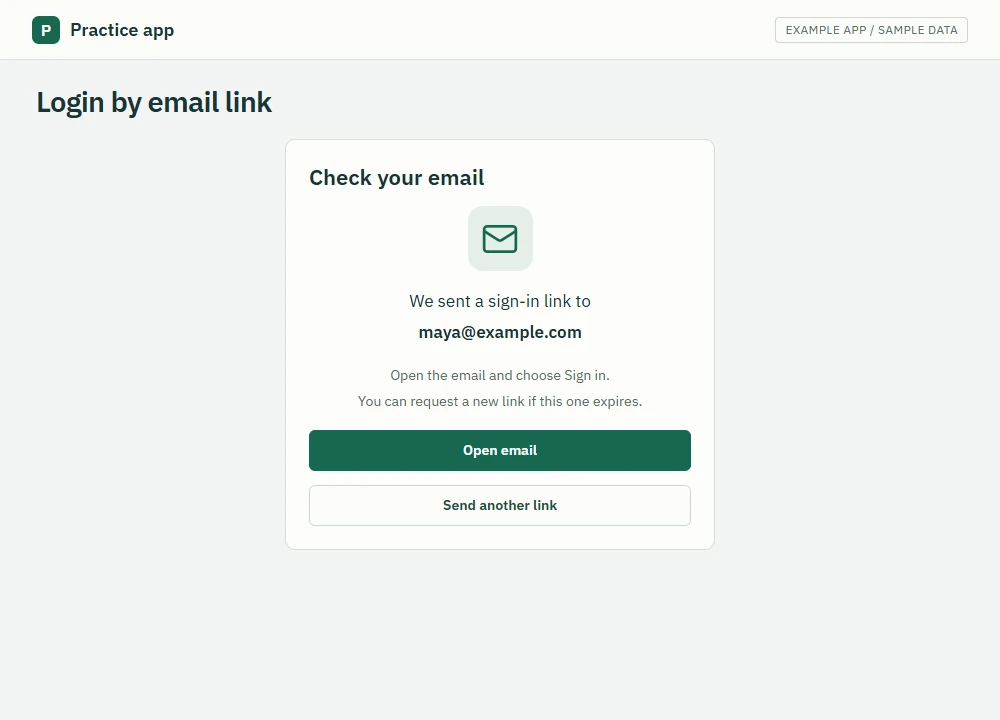
Login by email link
Send a sign-in link so people can skip passwords.
 View full size
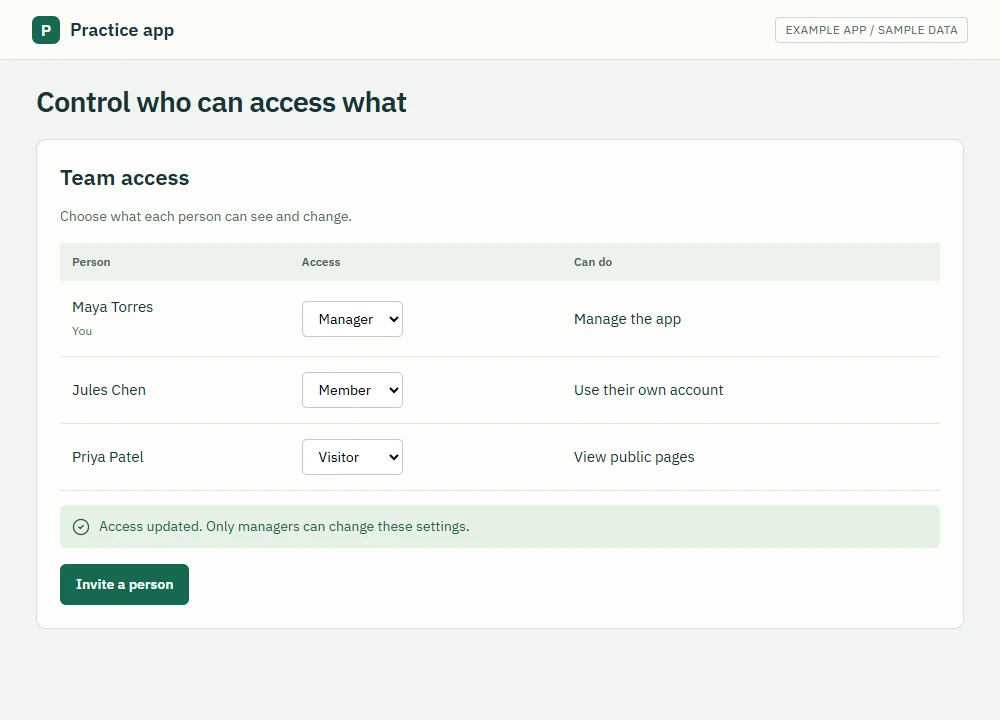
Control who can access what
Give app managers and regular users different access.
 View full size
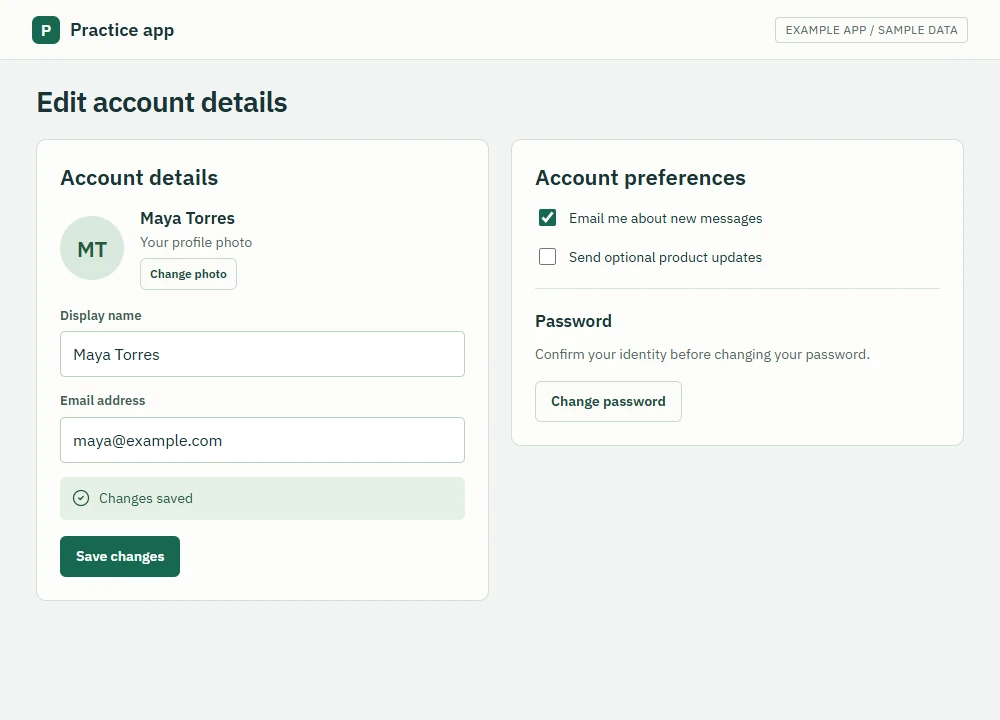
Edit account details
Let people change their name, photo, email, and password.
 View full size
File uploads
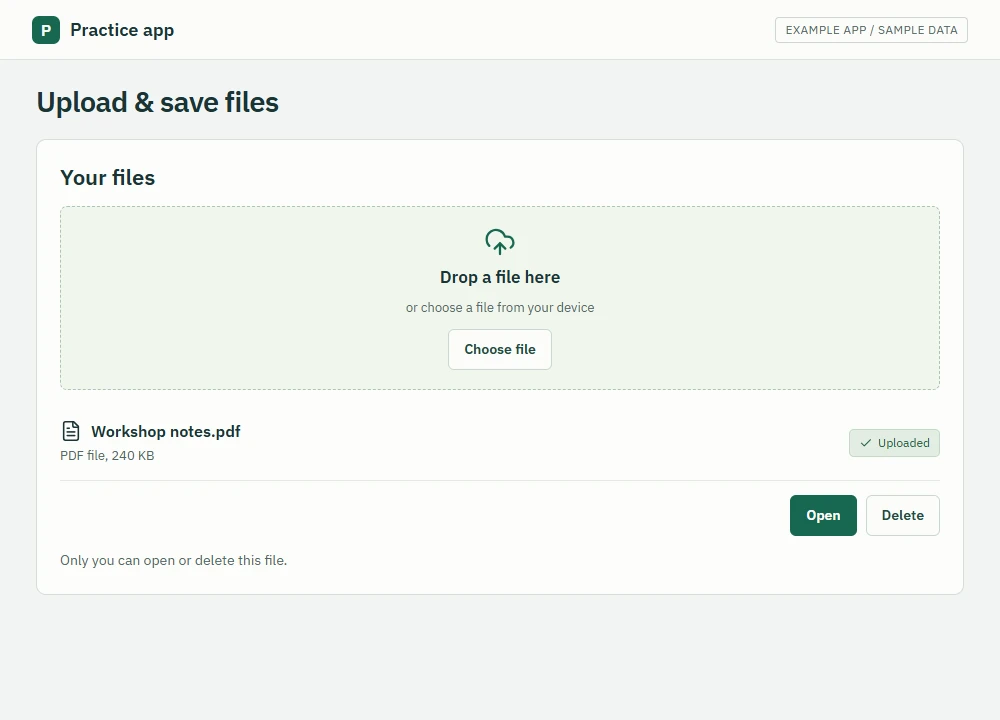
Upload & save files
Let people add, open, and delete their files.
 View full size
Notifications & activity
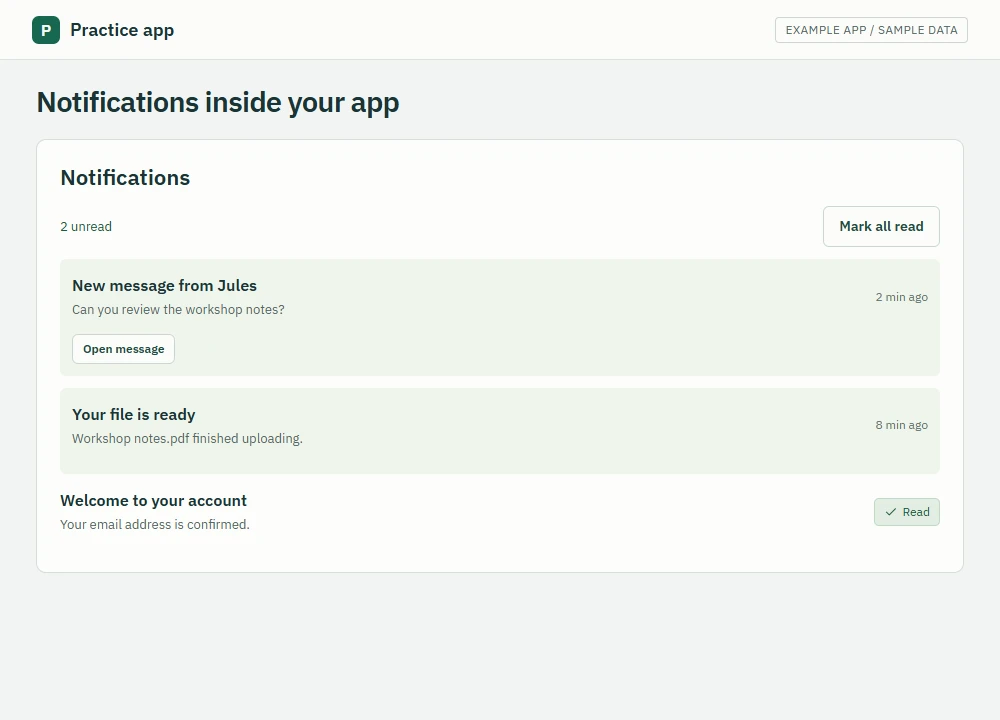
Notifications inside your app
Show app updates and count unread notifications.
 View full size
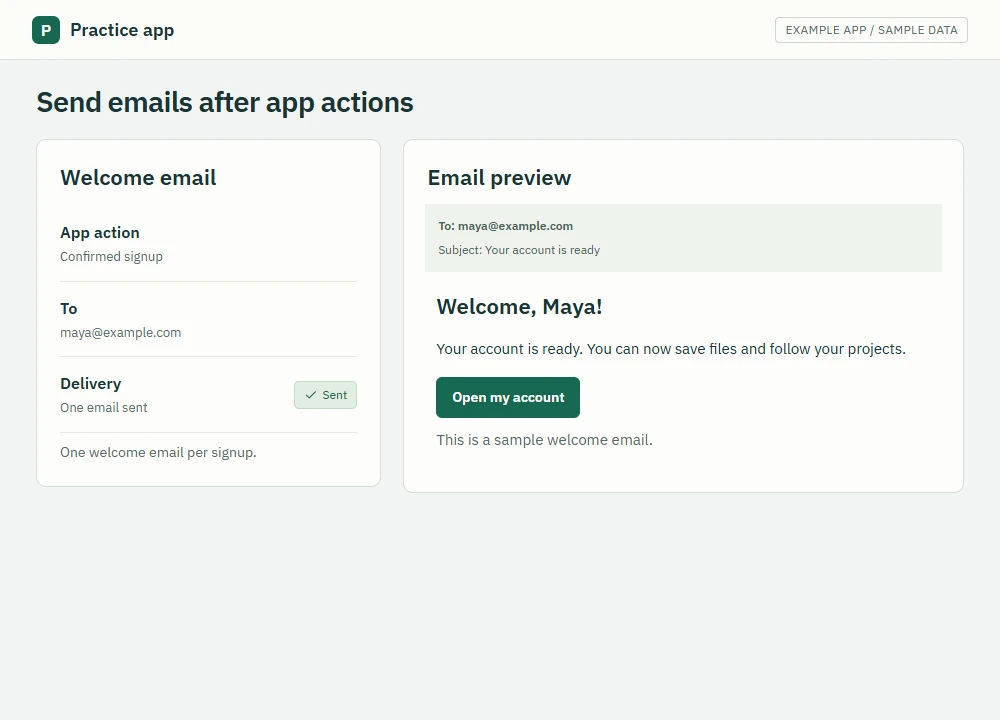
Send emails after app actions
Send emails after chosen actions, such as signup.
 View full size
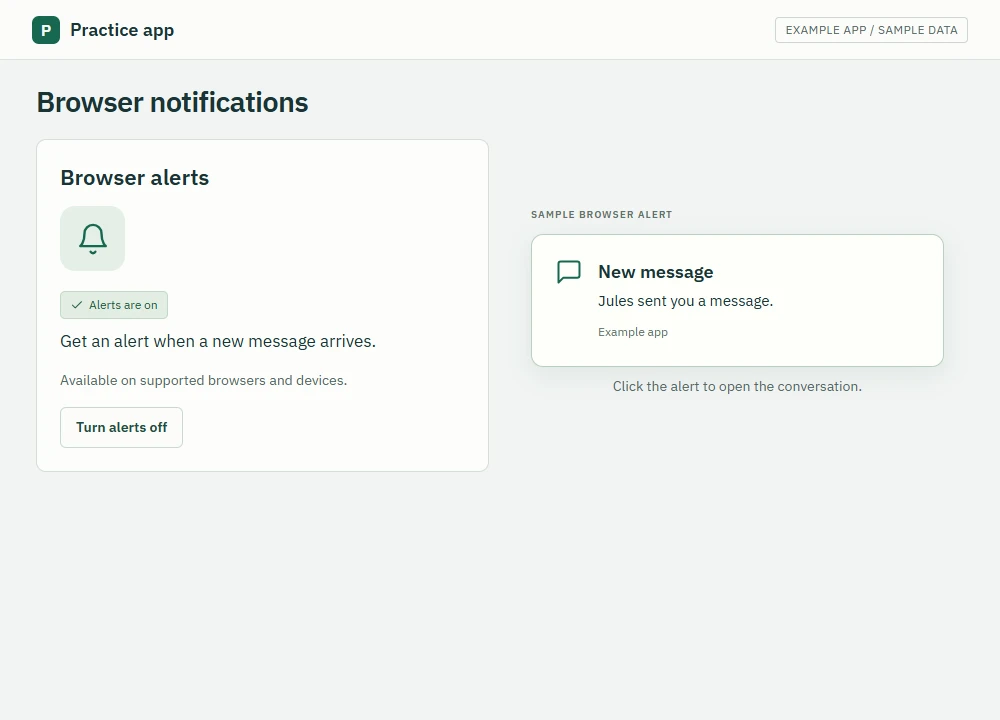
Browser notifications
Show browser alerts on supported devices, even with the app closed.
 View full size
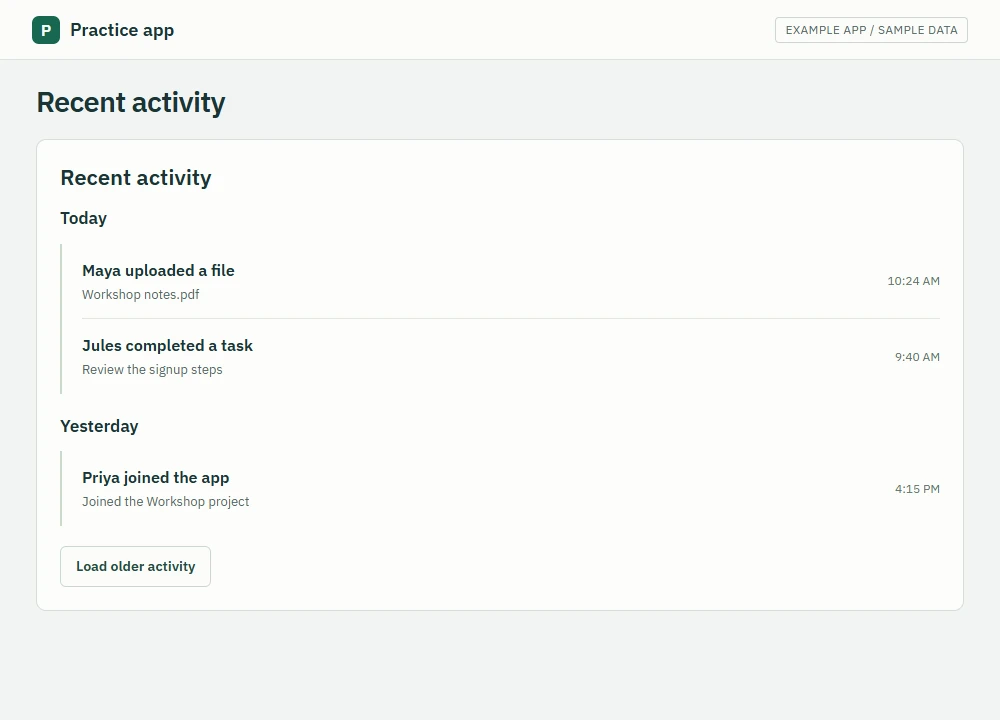
Recent activity
Show who did what and when in your app.
 View full size
Payments
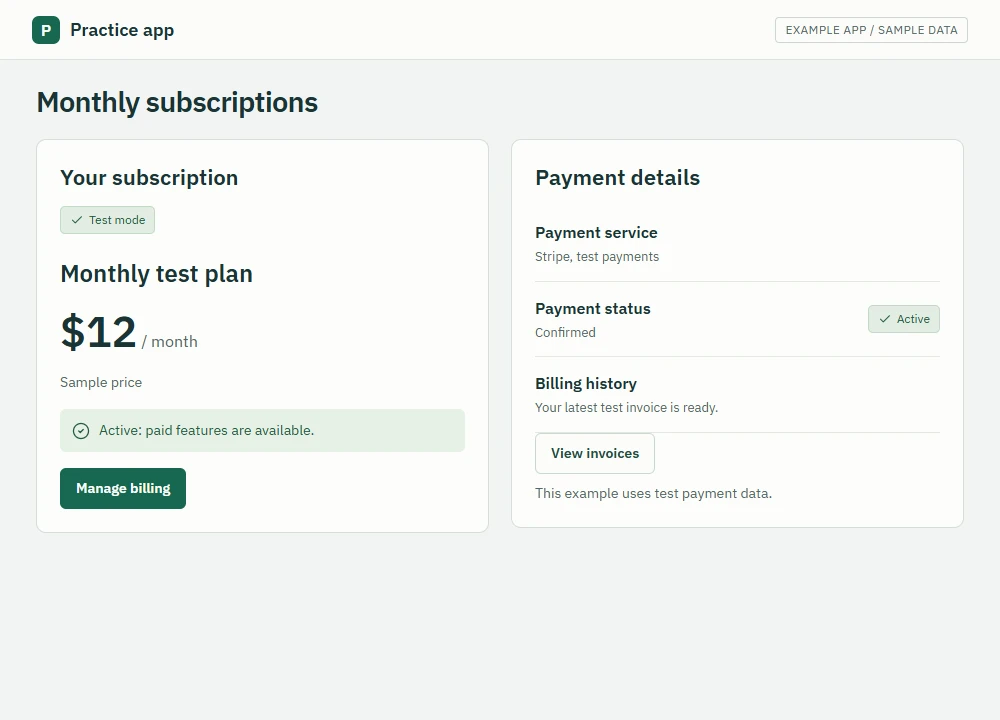
Monthly subscriptions
Charge through Stripe and give paying customers access.
 View full size
Email, texts & other tools
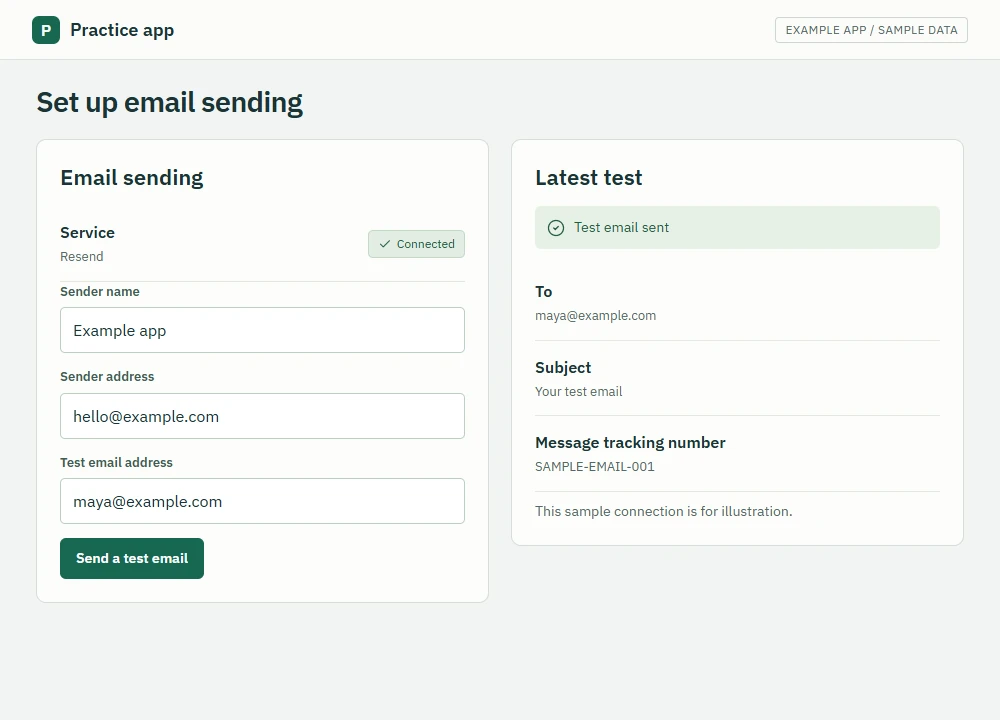
Set up email sending
Set up email sending for receipts and account messages.
 View full size
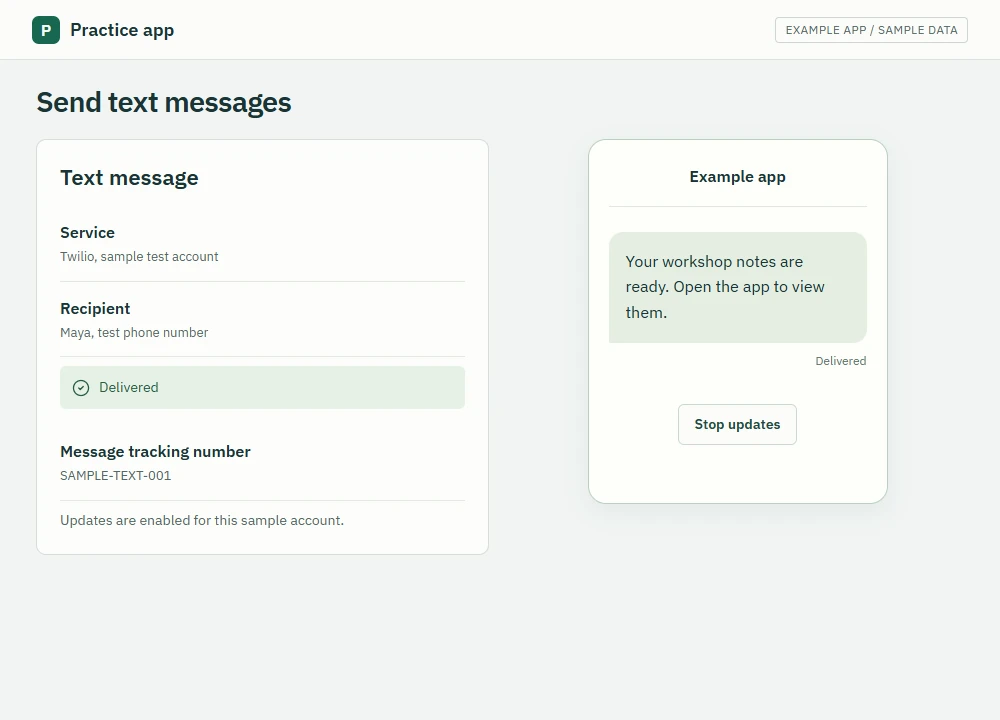
Send text messages
Send updates through Twilio, a text-message service.
 View full size
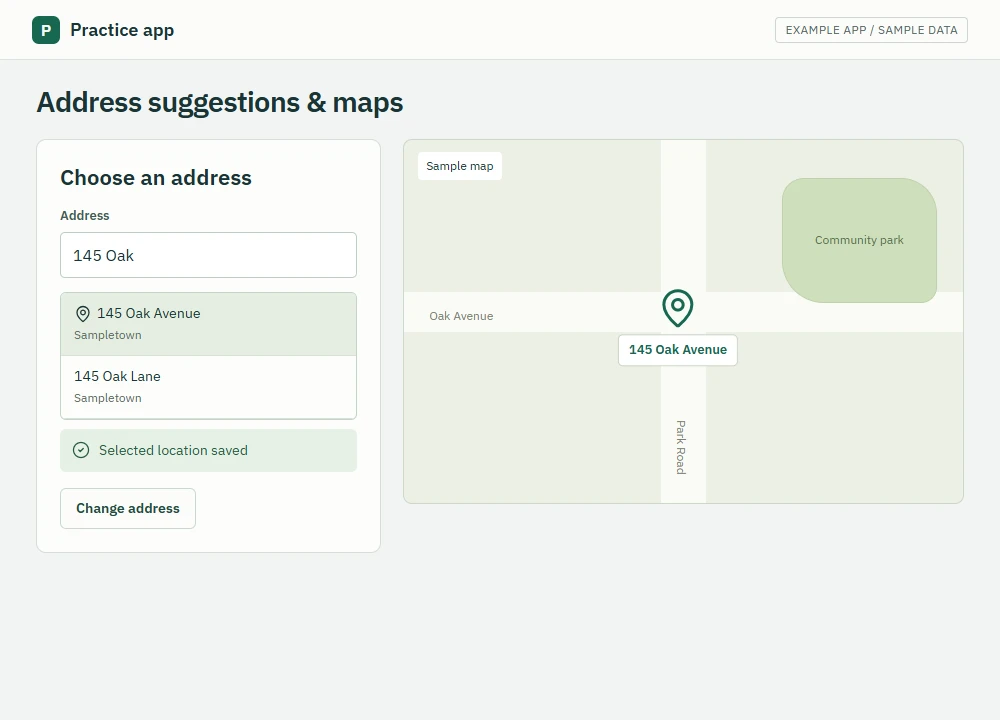
Address suggestions & maps
Suggest addresses as people type, then show a map.
 View full size
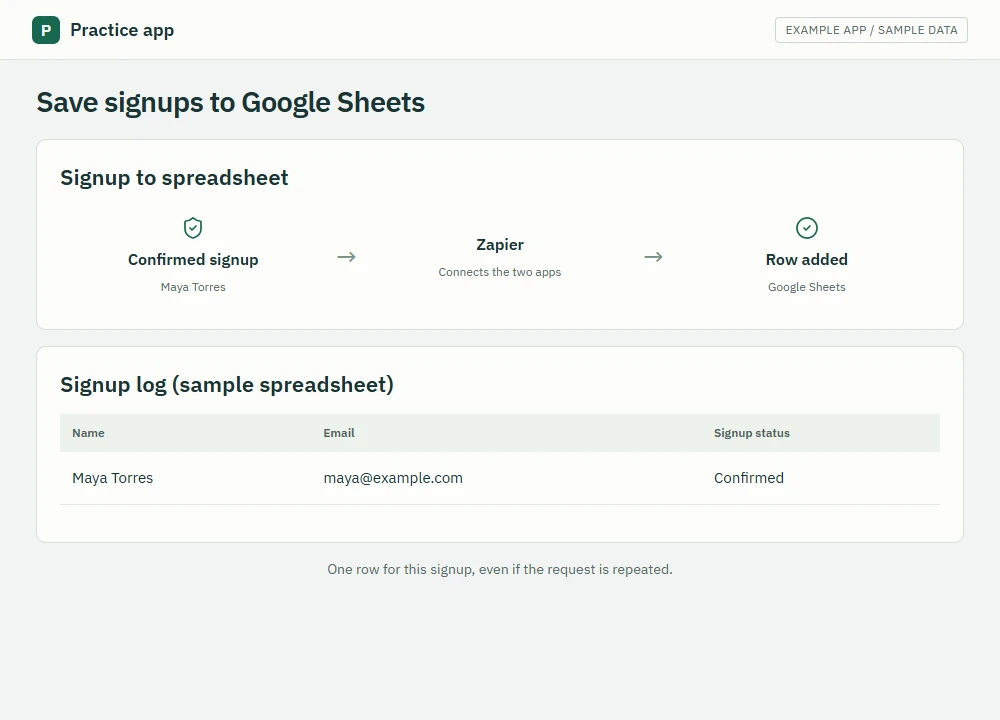
Save signups to Google Sheets
Add new signups to a Google Sheet automatically.
 View full size
AI features
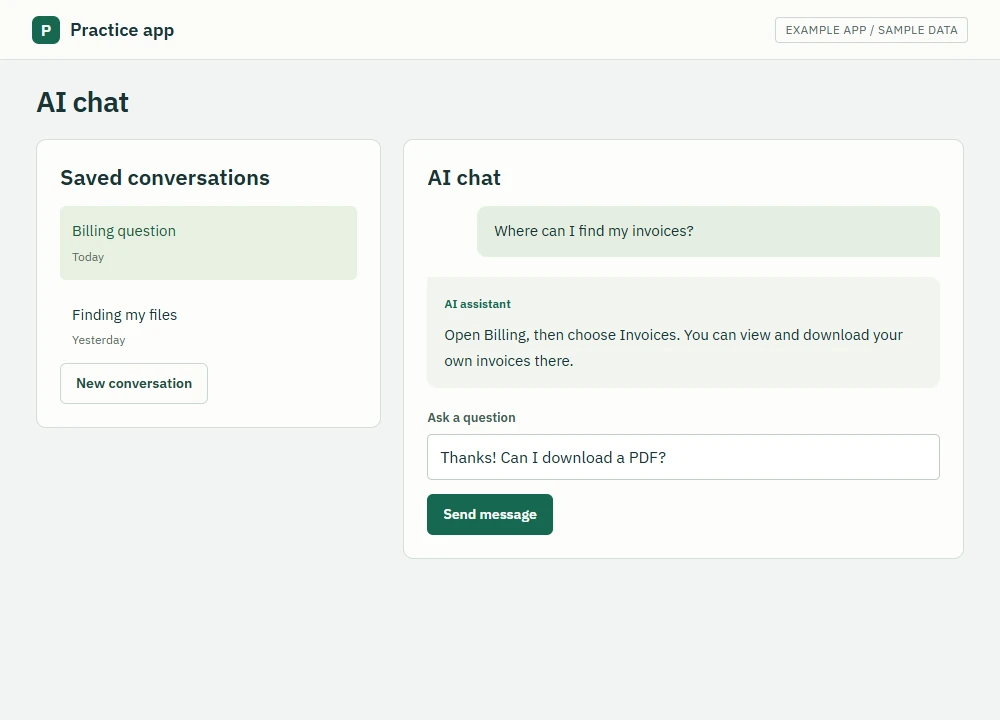
AI chat
Let people ask questions and return to saved chats.
 View full size
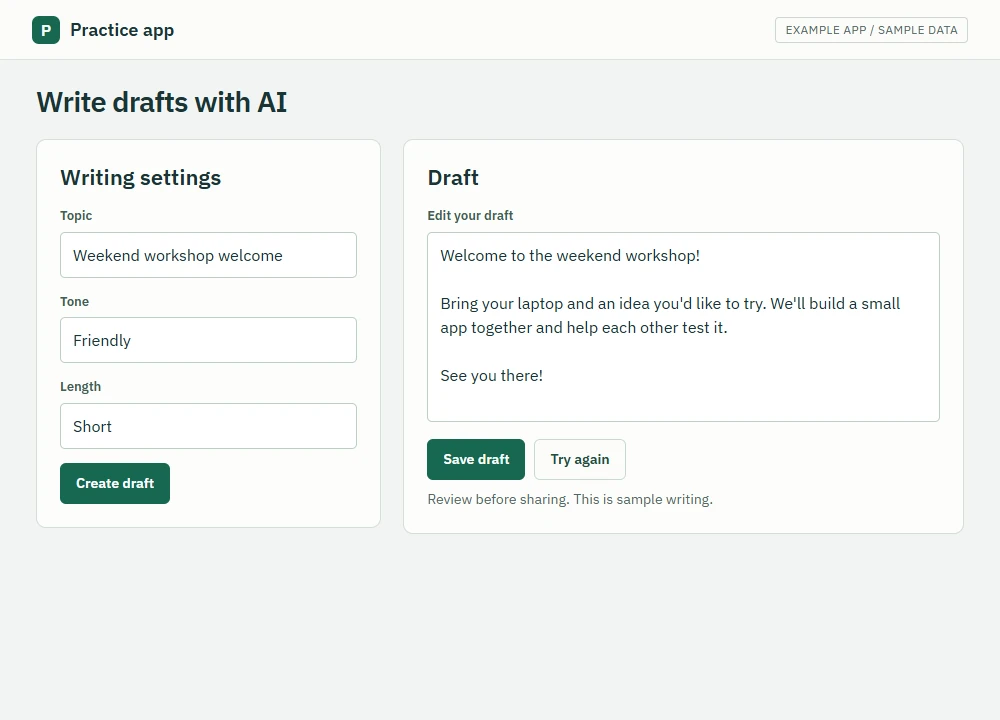
Write drafts with AI
Generate text people can edit and save.
 View full size
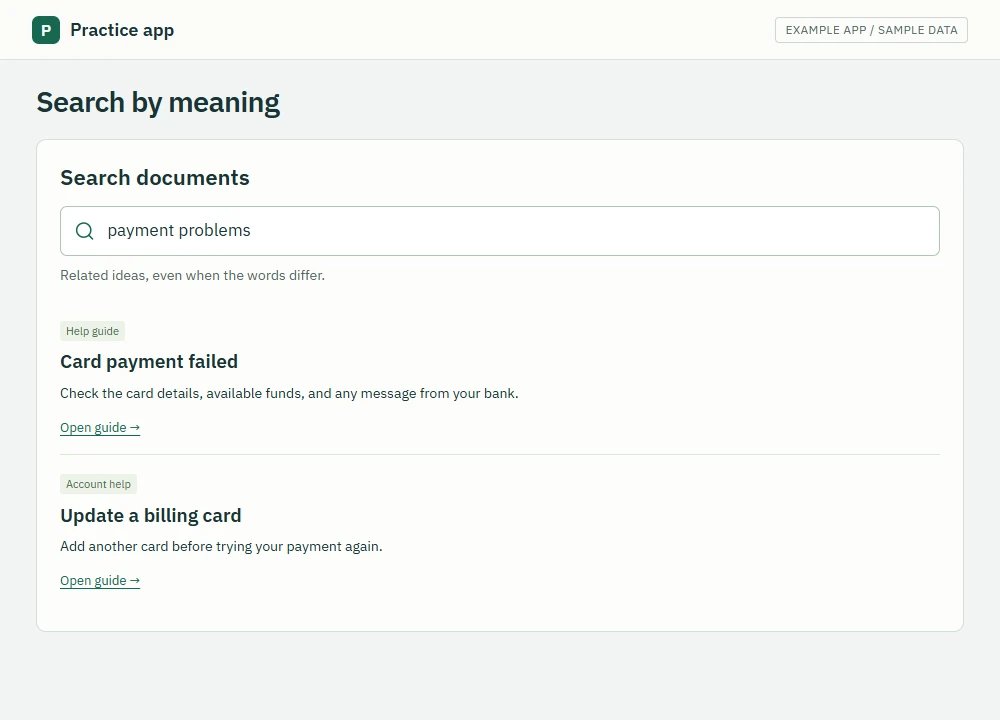
Search by meaning
Find related documents even when the words differ.
 View full size
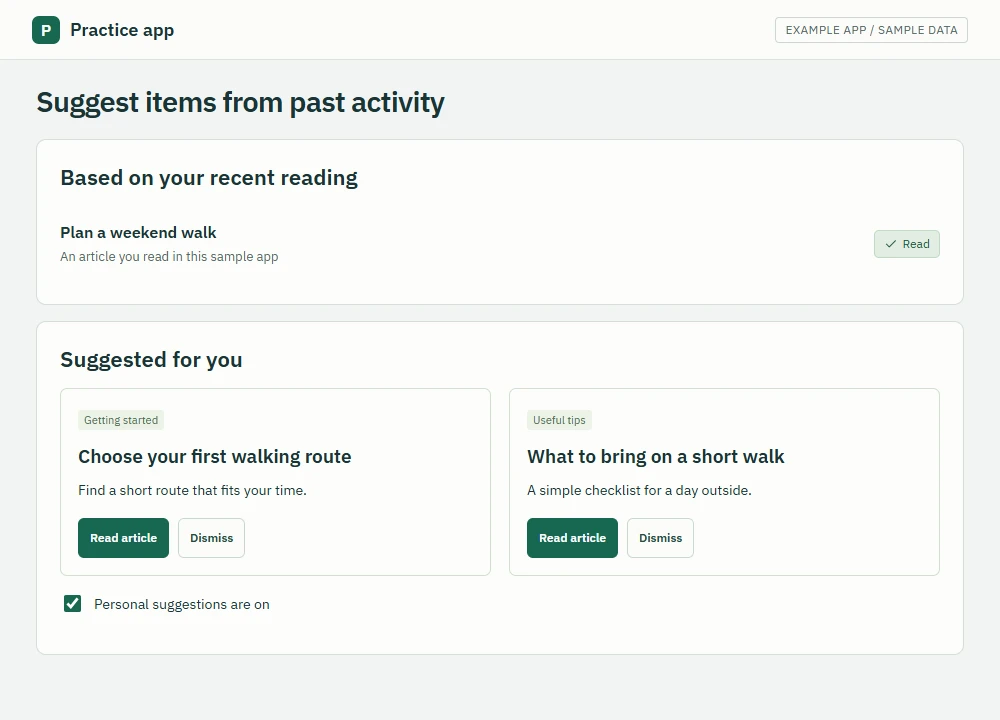
Suggest items from past activity
Recommend relevant items, such as related articles.
 View full size
If something fails, tell the same AI chat what you tried and what happened. Add any error message and ask for a fix.