
Paste into your AI chat. Start with WYN skill setup, then plan your idea.
Read or copy the prompt manually
Intermediate
First version: Confirm the ingredients from one photo, then choose from three recipes.

I’m Nick Cybela.I get people together to explore AI in Duluth and Johns Creek.
Pick a design before you build, or add features when you’re ready.
Who will see your site?, Question 1 of 3
For me to view
Lovable
Free plan
Build and view your page before sharing it. Your AI plan’s fees and limits still apply.
For a small page with text, pictures, and links. Logins, payments, saved visitor data, and AI features need a separate plan.
US monthly prices, before tax. Free plans have limits; features vary by account. Difficulty uses each tool’s free route in the guide above. Swipe sideways on a phone. Checked November 2, 2026.
| Tool & best fit | Ease | Free plan | Paid option | Hosting & sharing | Saving changes |
|---|---|---|---|---|---|
| LovableA first website or simple app. | Easy | Yes, with limits | $25/month · pricing for Lovable (opens in a new tab)Pro | IncludedShow me how to publish with Lovable | Yes. GitHub backup is optional. |
| ChatGPT · ChatPlanning and making a first version. | Intermediate | Yes, with limits | $20/month · pricing for ChatGPT · Chat (opens in a new tab)Plus; Sites access where available | Included with SitesOr use Cloudflare Pages or Vercel.Show me how to publish with ChatGPT · Chat | Your chat is saved. Ask for the website files too. |
| ChatGPT · CodexBuilding and updating your own project. | Hard | Yes, limited use | $8/month · pricing for ChatGPT · Codex (opens in a new tab)Go for light use; Plus is $20/month | Via Cloudflare Pages or VercelSites is another option on eligible paid plans.Show me how to publish with ChatGPT · Codex | Yes. Ask it to save a version to GitHub. |
| Claude · Web ChatTrying an idea and making a preview. | Intermediate | Yes, with limits | $20/month · pricing for Claude · Web Chat (opens in a new tab)Pro | Via Cloudflare Pages or VercelClaude also offers preview sharing.Show me how to publish with Claude · Web Chat | Your chat is saved. Ask for a copy of the website. |
| Claude · CoworkTasks involving files and other apps. | Hard | No, paid plan needed | $20/month · pricing for Claude · Cowork (opens in a new tab)Included in Pro | Via Cloudflare Pages or VercelShow me how to publish with Claude · Cowork | Files are saved. Ask for a GitHub backup. |
| Claude · CodeBuilding and updating an app. | Hard | No, paid plan needed | $20/month · pricing for Claude · Code (opens in a new tab)Included in Pro; usage limits apply | Via Cloudflare Pages or VercelShow me how to publish with Claude · Code | Yes. Ask it to save a version to GitHub. |
| Gemini · CanvasMaking a small app to share by link. | Intermediate | Yes, with limits | $19.99/month · pricing for Gemini · Canvas (opens in a new tab)Google AI Pro is one paid option | Included · Gemini linkShow me how to publish with Gemini · Canvas | Yes, automatically. |
| Google AI Studio · BuildBuilding an app that uses Gemini. | Intermediate | Yes, with limits | Pay for usage · pricing for Google AI Studio · Build (opens in a new tab)Paid AI and hosting are charged separately | Included for eligible accountsOtherwise, paid Google hosting or another host.Show me how to publish with Google AI Studio · Build | Yes. GitHub backup is available. |
A simple site can cost $0 to host. Vercel's free plan is for personal projects; business sites need Pro, from $20/month plus usage. A web address, saved data, or paid AI features may cost extra.
ChatGPT Sites availability depends on your plan, region, and workspace. The calculator uses a separate host for ChatGPT’s free route. Claude is combining Chat and Cowork; product names may differ.
Save website versions on GitHub so you can restore one if a change breaks something. Saving versions is called source control.
Ask your AI: Save the working version to GitHub before editing. Tell me what you saved and whether the live site changed.
Your chat, saved website files, and live website are separate. Ask your AI to confirm which ones it updated.
Reusable instructions for your AI. Built by Nick Cybela.
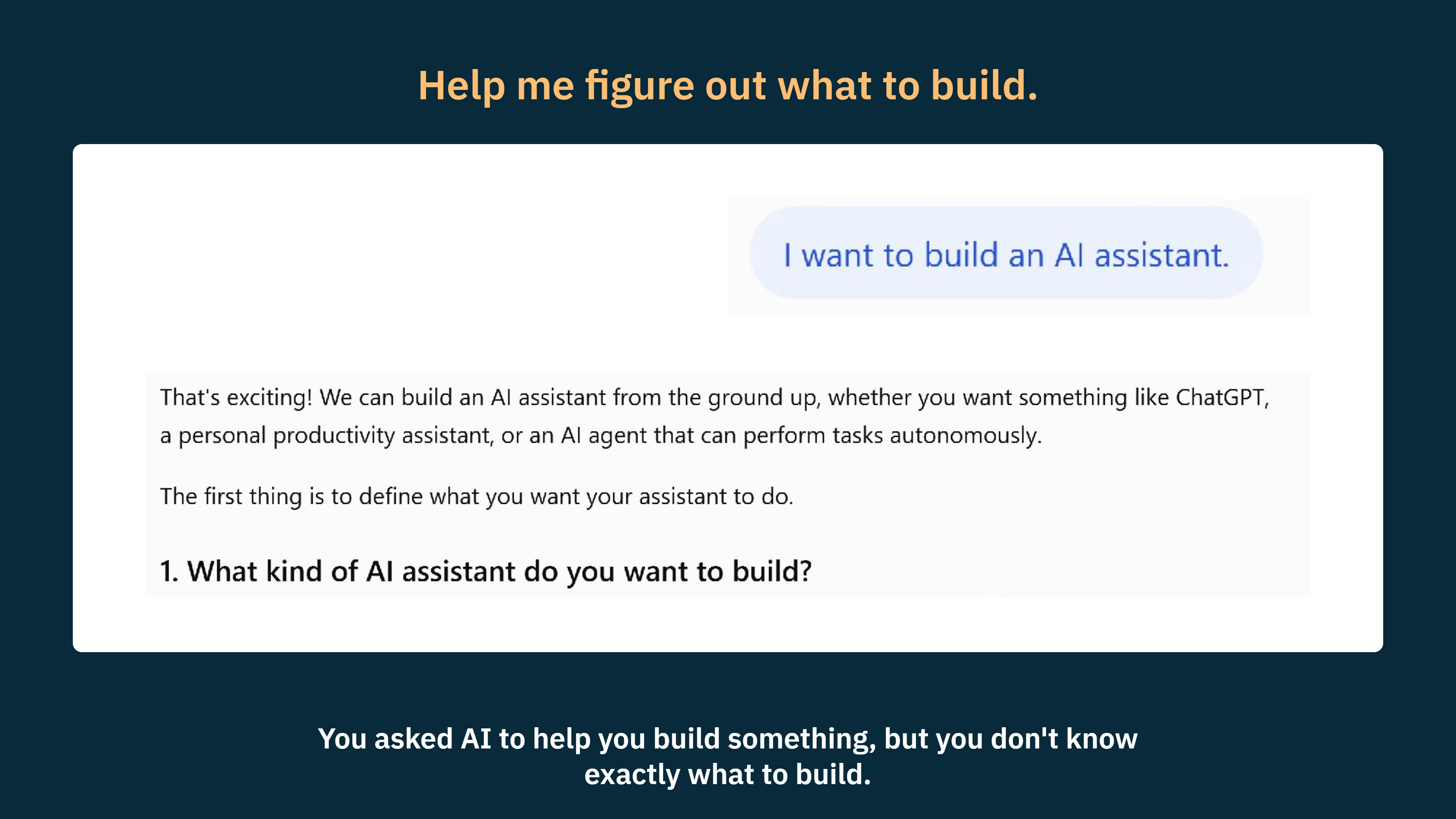
Plan a small first version. WYN Clarify asks one useful question at a time.
Paste into your AI chat and add your idea. Use the instructions again for each new chat.
To install the skill, follow the setup steps on GitHub.
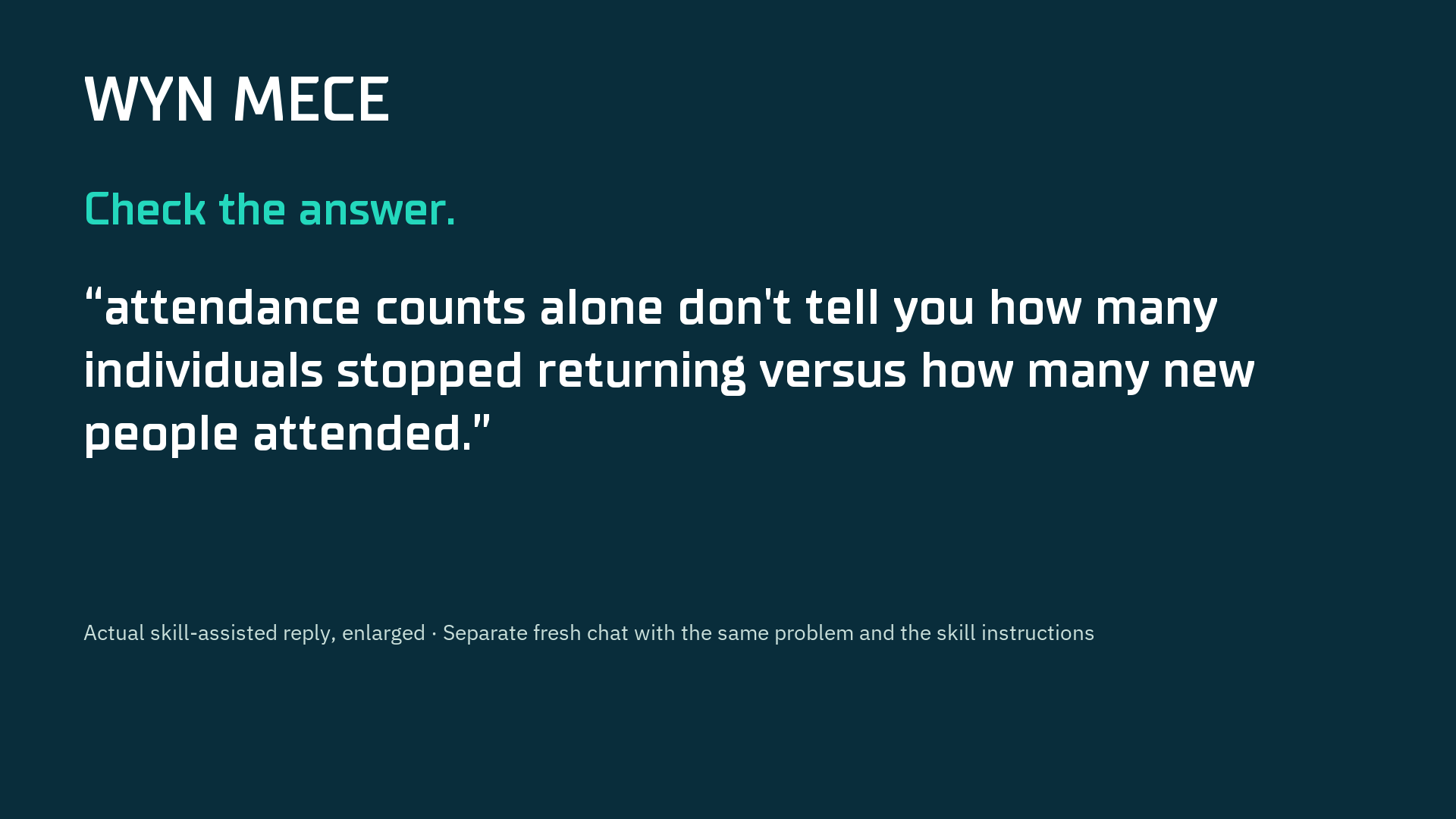
Find gaps and overlap in a plan or analysis.
Paste into your AI chat to install the skill or get setup steps.
Follow the setup steps on GitHub, or download the files below.
Edit AI drafts into clear writing that sounds like you.
Inspired by Peter Yang's /no-ai-slop on GitHub (opens in a new tab).
Paste into your AI chat and add your idea. Use the instructions again for each new chat.
Each GitHub page has setup steps.
Cut generic wording from AI drafts and make the writing clearer.
Find recent discussions and examples from the past 30 days.
Give your AI access to supported websites and social platforms. Some sources need setup or an account.
Check code changes and test the steps people use.
Challenge your idea, decide who it's for, and plan a first version.
Compare five styles with desktop and mobile screenshots, then copy a prompt to try.
Plan Before You Build, Lesson 1 of 3
Chicken bowl
Corner Kitchen
Spicy noodles
The Noodle Spot
Reloading resets your changes.
Paste WYN Clarify into your AI chat to plan your idea.
WYN Clarify asks questions to shape your idea. WYN MECE checks the plan for gaps or repeated steps.
Browse Awwwards Collections (opens in a new tab) for free, or Mobbin (opens in a new tab) (paid for full access).
Share a reference link and say what you like about it. Ask AI to use your content and brand. Send a screenshot if it cannot open the link.
Explore Design Directions, Lesson 1 of 3
Browse Awwwards Collections (opens in a new tab) or Mobbin (opens in a new tab) (paid for full access).
Paste into your AI chat and adapt it to your project.
Grids, strong typography, and little decoration.
Magazine-like headlines, photography, and generous space.
Soft neutrals, natural textures, and a simple layout.
Bold colors and heavy borders.
Plan Better With Frameworks, Lesson 1 of 3
Paste into your AI chat and adapt it to your project.
Discover what people need, define the problem, develop options, and deliver a tested solution.
Describe what someone wants to accomplish before choosing features.
Compare the benefit, evidence, and work involved. List assumptions and the evidence that would change the plan.
Check for missing steps, repeated tasks, and unclear ownership.
Recipes from your fridge, Idea 1 of 8
Paste into your AI chat. Start with WYN skill setup, then plan your idea.
Intermediate
First version: Confirm the ingredients from one photo, then choose from three recipes.
Duluth & Johns Creek, Georgia
I get people together to explore AI in Duluth and Johns Creek with the AI Collective.
My first company was parodied on Silicon Valley. I've founded two companies. One was named a Top 30 Rising Tech Company by Venture Atlanta.
Organizer
Message me on LinkedIn to join a meetup, suggest a topic, or bring a demo.
Connect on LinkedIn